Admin Dashboard (Manager Web)
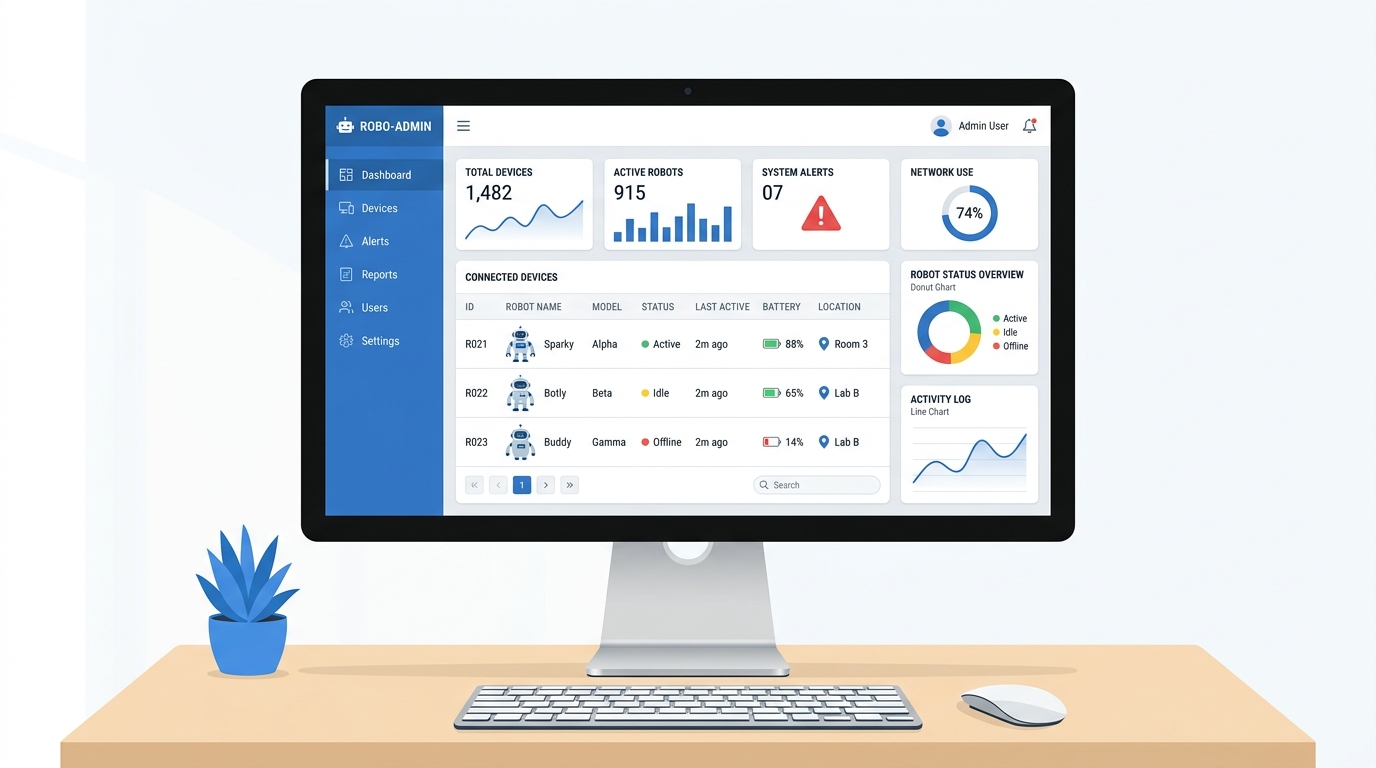
The Manager Web is the Cheeko admin dashboard, a single-page application used to manage devices, users, content, and system configuration.
Tech Stack
| Item | Details |
|---|---|
| Framework | Vue.js 2 (vue@^2.6.14) |
| UI Library | Element UI (element-ui@^2.15.14) |
| Routing | Vue Router 3 |
| State | Vuex 3 |
| HTTP | Fly.io (flyio@^0.6.14) |
| Build Tool | Vue CLI Service 5 |
| CSS | SASS / normalize.css |
Running
Development (hot-reload):
cd main/manager-web
npm install
npm run serve
Runs on http://localhost:8080 by default.
Production build:
npm run build
Output is placed in dist/. Serve it behind Nginx or any static file server.
Bundle analysis:
npm run analyze
Environment Variables
| Variable | Description |
|---|---|
VUE_APP_API_BASE_URL | Backend API base URL (e.g., http://localhost:8002/toy) |
VUE_APP_PUBLIC_PATH | Public path for router base (default: /) |
VUE_APP_USE_CDN | Set to true to enable CDN asset loading |
Create a .env.local file in main/manager-web/ to set these during development.
Authentication
The dashboard uses a custom token-based auth system stored in localStorage. The token is issued by the manager-api backend (/toy/user/login). A route guard in src/router/index.js checks for the presence of a token key in localStorage before allowing access to protected routes. Unauthenticated users are redirected to /login.
Protected routes include: home, role-config, device-management, user-management, token-analytics, rfid-management, kid-profiles, all-devices, template-management, content-library, email-reports, game-analytics, and quota-settings.
Views / Screens
The following screens are defined in src/views/ and registered in src/router/index.js:
| Route | Component File | Description |
|---|---|---|
/ and /login | login.vue | Admin login screen |
/register | register.vue | New admin account registration |
/retrieve-password | retrievePassword.vue | Password reset flow |
/home | home.vue | Dashboard home / landing page |
/role-config | roleConfig.vue | Admin role and permission configuration |
/voice-print | VoicePrint.vue | Voice print / voiceprint management |
/device-management | DeviceManagement.vue | Manage individual registered ESP32 devices |
/all-devices | AllDevices.vue | Full device list view across all users |
/ota-management | OtaManagement.vue | Over-the-air firmware update management |
/user-management | UserManagement.vue | Admin user accounts management |
/kid-profiles | KidProfiles.vue | Child profile management (name, age, preferences) |
/params-management | ParamsManagement.vue | System parameter / configuration key management |
/server-side-management | ServerSideManager.vue | Server-side settings and configuration |
/dict-management | DictManagement.vue | System dictionary / lookup table management |
/template-management | TemplateManagement.vue | Agent prompt template management |
/content-library | ContentLibrary.vue | Music, story, and textbook content management |
/rfid-management | RfidManagement.vue | RFID tag registration and content mapping |
/token-analytics | TokenAnalytics.vue | LLM token usage analytics and reporting |
/game-analytics | GameAnalytics.vue | Game session analytics (math, riddles, word ladder) |
/email-reports | EmailReportSettings.vue | Email report scheduling and recipient settings |
/quota-settings | QuotaSettings.vue | Subscription quota settings and AI Card time quota management |
Key Features
- Device Management — register and configure ESP32 Cheeko devices, view connection status, bind devices to user accounts.
- OTA Updates — push firmware updates to devices remotely via the OTA management screen.
- Content Library — upload and manage audio content (music, stories) and textbooks served to devices.
- RFID Management — map RFID tags to content items for physical card-triggered playback.
- Kid Profiles — create and edit child profiles that drive personalized AI prompts.
- Prompt Templates — edit the AI agent system prompt templates used by the livekit-server workers.
- Analytics — monitor LLM token consumption and game session data per device/user.
- Voice Print — manage voice print profiles associated with devices.
- Quota Settings — configure default quota type, free-tier limits, subscription plans, AI Card fail mode, AI Card usage analytics, linked cards, and card recharge.